

How To Use ALL3D
Video Tutorials
Step-by-Step Guide
Generate Assets with AI
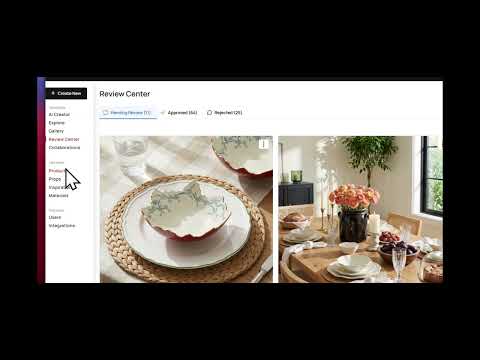
AIIntro to the Platform & AI Images Page

AIHow to Create an AI Lifestyle Image
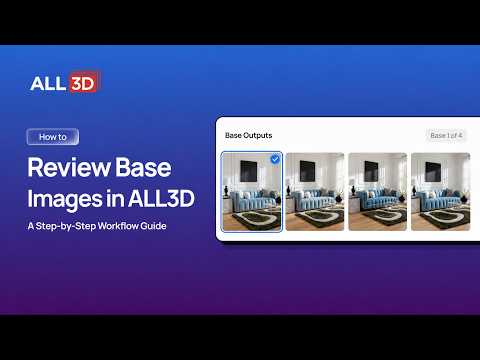
AIHow to Review Your Base Images
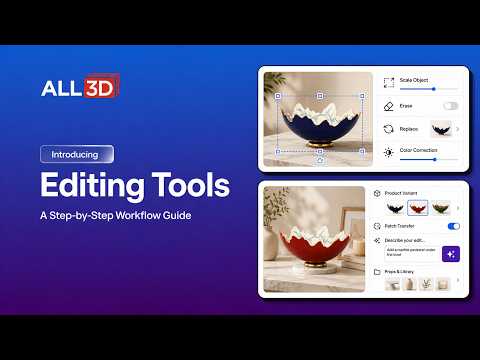
AIHow to Use the Editing Tools

AIHow to Use Studio & Silo Mode
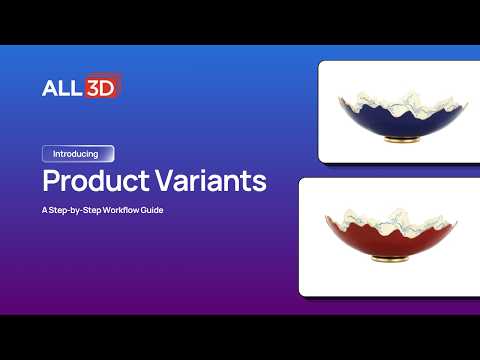
AIHow to Create a Product Variant
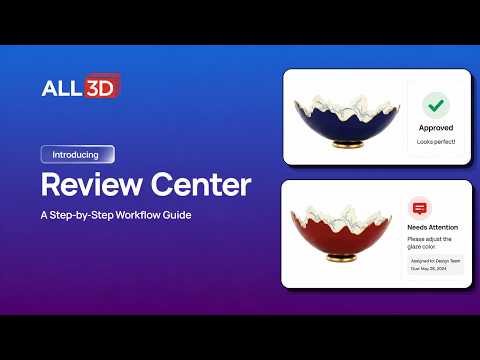
AIHow to Use the Review Center

AIHow to Manage Users
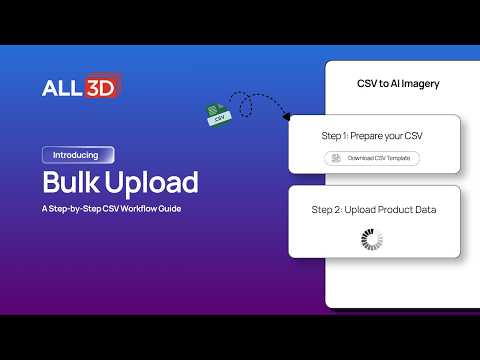
AIHow to Use Bulk Upload
Enterprise 3D offerings
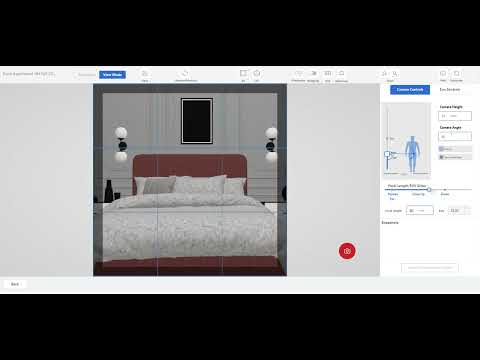
Creating Lifestyle Imagery using ALL3D Scene Creator
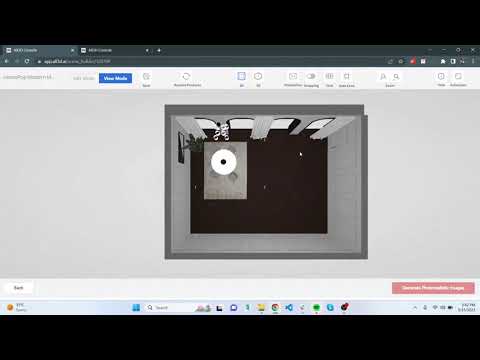
How to Take Wider Shots Outside a Room using Scene Clipping in the Scene Creator
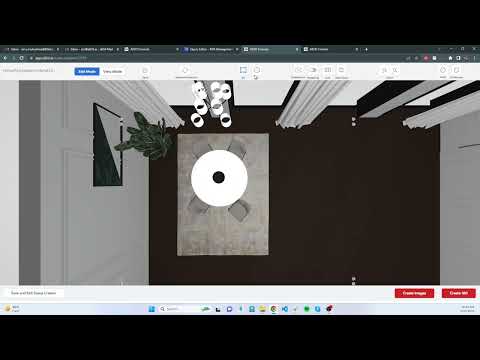
How to Stack an Item on Top of Another Item in the Scene Creator
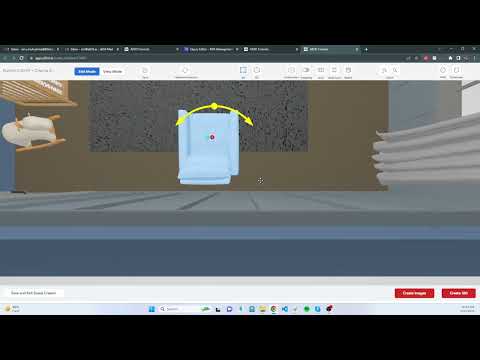
How to Snap Items Together or to a Wall in the Scene Creator
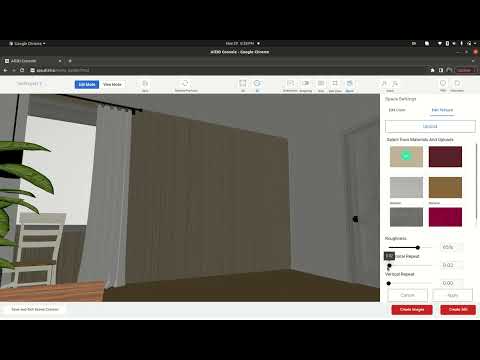
How to Change Materials and Paints for Walls, Floors and Ceiling in the Scene Creator
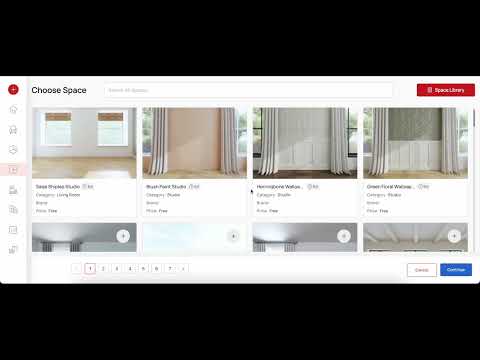
How to Create Collections in ALL3D
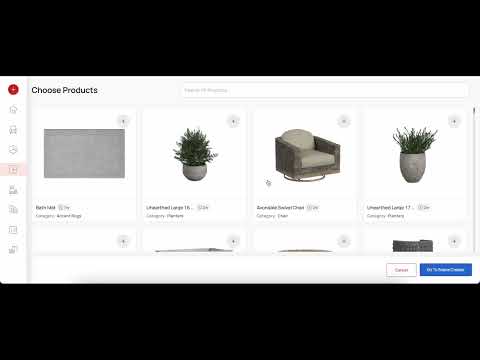
How to Use ALL3D Templates to Create Lifestyle Images
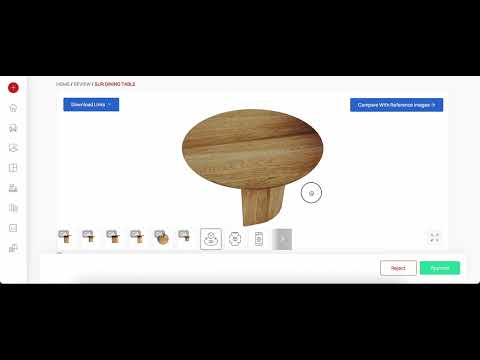
How to QA your Models
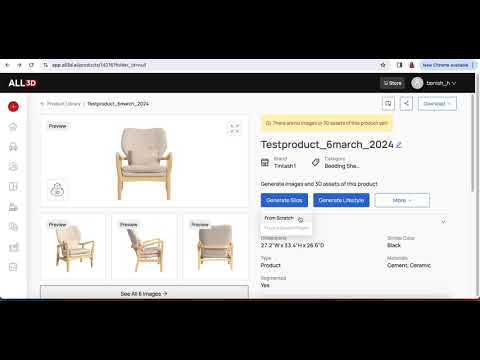
How to take Silo Images using ALL3D
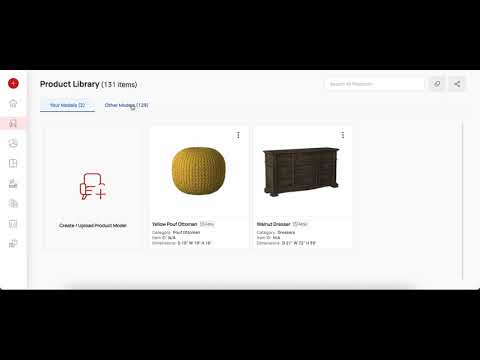
How to organize items in your ALL3D Libraries
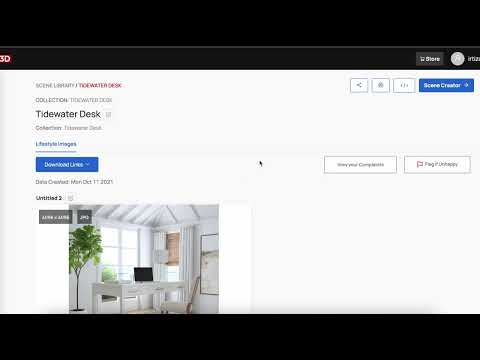
How to request Printer Friendly Images from ALL3D
How To Use ALL3D
Video Tutorials
Generate Assets with AI
AIIntro to the Platform & AI Images Page
AIHow to Create an AI Lifestyle Image
AIHow to Review Your Base Images
AIHow to Use the Editing Tools
AIHow to Use Studio & Silo Mode
AIHow to Create a Product Variant
AIHow to Use the Review Center
AIHow to Manage Users
AIHow to Use Bulk Upload
Enterprise 3D offerings
Creating Lifestyle Imagery using ALL3D Scene Creator
How to Take Wider Shots Outside a Room using Scene Clipping in the Scene Creator
How to Stack an Item on Top of Another Item in the Scene Creator
How to Snap Items Together or to a Wall in the Scene Creator
How to Change Materials and Paints for Walls, Floors and Ceiling in the Scene Creator
How to Create Collections in ALL3D
How to Use ALL3D Templates to Create Lifestyle Images
How to QA your Models
How to take Silo Images using ALL3D
How to organize items in your ALL3D Libraries