Your products. In motion.
Give Violet your product and a direction. Create a camera move, a close-up, or a creator-led story. Then shape the framing and pace together.
Direct the next move.
Start with a scene. Ask for motion. Refine it until the shot tells the story you want.
- 01
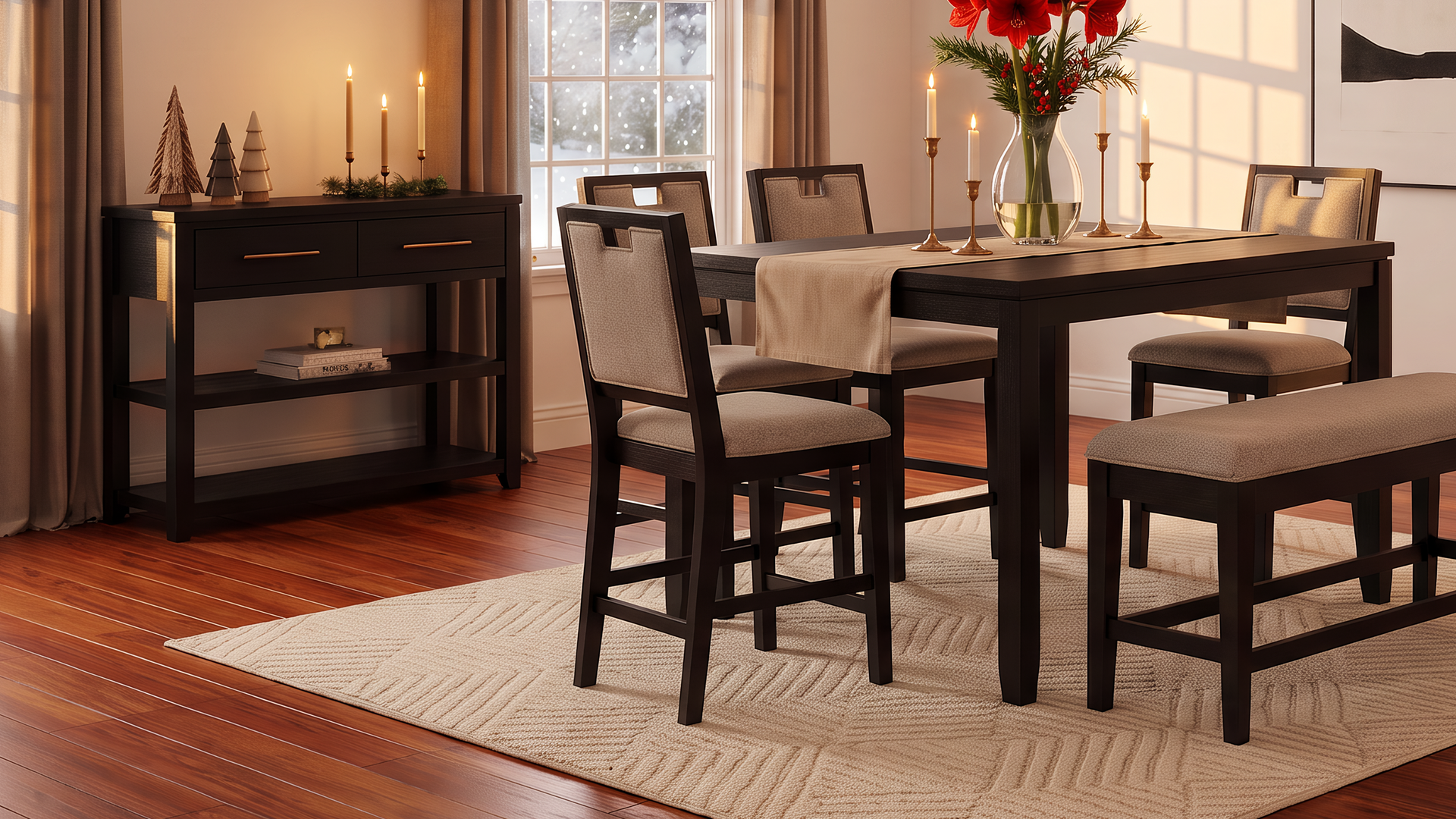
Start with your scene
A still image gives Violet the product and its setting.
- 02
Bring the details to life
A slow camera move brings the upholstery into focus.
- 03
Make room for the whole chair
“Zoom out and slow it down.” A wider, slower shot follows.
Set the direction
Describe the mood, the movement, and the details that matter.
Find the right shot
Explore a room, get close to a texture, or let a creator tell the story.
Keep refining
Ask for wider framing, slower motion, or a tighter cut.
From your product to your next story
Share your product
Upload a product photo or start from a scene you've already created.
Plan the story
Tell Violet the look, format, and movement you have in mind.
Create the video
Review the proposed direction and generation cost before it runs.
Refine the cut
Watch the result, then adjust the framing, motion, or timing.
A few things to know
Can I start with a product photo?
Yes. Share the product photo with Violet. You can create a styled scene first, then use that image as the starting point for a video.
Can I change the video after it's made?
Yes. You can ask for a different camera move, wider framing, or a new edit. Trimming and speed changes are also available. Review the proposed action and any cost before proceeding.
Can I make a creator-led video?
Yes. Describe the setting, tone, and product story you want. Violet helps plan the scene and the creator's role before generation.